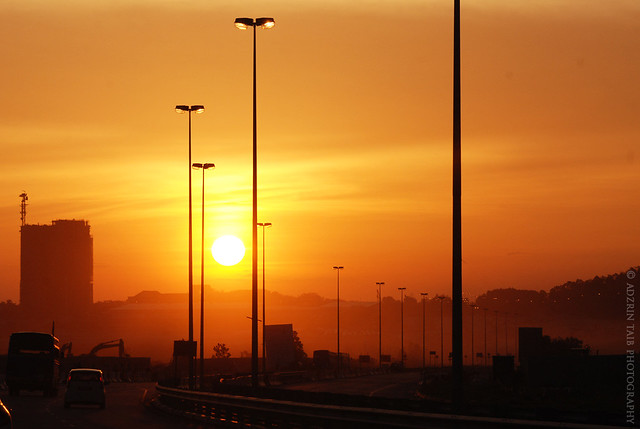
1. Open your image you want to edit.
2. Adjust the exposure by using curve tools.
3. Using lasso tool, select the area around your subject, then press ctrl-shift-i to make masking area, then using level tools and adjust the slider until the efx you want (in this photo the efx area has been adjust).
4. Using RGB curve, make a similar 's' curve for red & green channel, while the opposite way for green channel, readjust the overal exposure if needed.
5. Using gradient map and set it black/white, then set to soft light and opacity about 32%. This will add contrast a little bit to the whole image.
6. Using colour balance, and by set to shadow tone area, slide those three channel to the efx you want to.
7. Adjust the white point, lower the contrast a bit.
8. I use this texture to add some efx to the image.
9. Add the texture to the above layer, set it to soft light and opacity about 75%, using eraser tools to erase the area which cover the talent face.
This just a simple few step. Of course there is another way to do it, but this is just the way i do to my pictures. Have a nice day and enjoying this simple tutorial.
Thank you.
Adzrin Taib