Memaparkan catatan dengan label photoshop. Papar semua catatan

Ahad, 29 April 2012

Colour - How to Xprocessing

 1. Open your image you want to edit.

 2. Adjust the exposure by using curve tools.

 3. Using lasso tool, select the area around your subject, then press ctrl-shift-i to make masking area, then using level tools and adjust the slider until the efx you want (in this photo the efx area has been adjust).

 4. Using RGB curve, make a similar 's' curve for red & green channel, while the opposite way for green channel, readjust the overal exposure if needed.

 5. Using gradient map and set it black/white, then set to soft light and opacity about 32%. This will add contrast a little bit to the whole image.

 6. Using colour balance, and by set to shadow tone area, slide those three channel to the efx you want to.

 7. Adjust the white point, lower the contrast a bit.

 8. I use this texture to add some efx to the image.

9. Add the texture to the above layer, set it to soft light and opacity about 75%, using eraser tools to erase the area which cover the talent face.

This just a simple few step. Of course there is another way to do it, but this is just the way i do to my pictures. Have a nice day and enjoying this simple tutorial.

Thank you.

Adzrin Taib

Jumaat, 24 Februari 2012

:: Cinematography ::

Do some experiment post processing and approaches to Cinematography Style.. It's fun to explore, yet very difficult to get it in... 


Isnin, 10 Oktober 2011

experimentasi ~ texture, tone & lens 50mm

Sesekala, idea utk experimen ni dtg sechara tiba2.. mula2 bley la elak, tp makin di elak, makin kuat plak keinginan tu.. so.. apa lagi, kasik keluar la kamera & lens.. kebetulan, member - Trisno - ade kasik satu file texture.. kasik try test laa..

kamera filem lama saya ~ dapat masa 2nd year kt UTM dulu.. sampai skang masih berfungsi dengan baik


Rabu, 25 Mei 2011

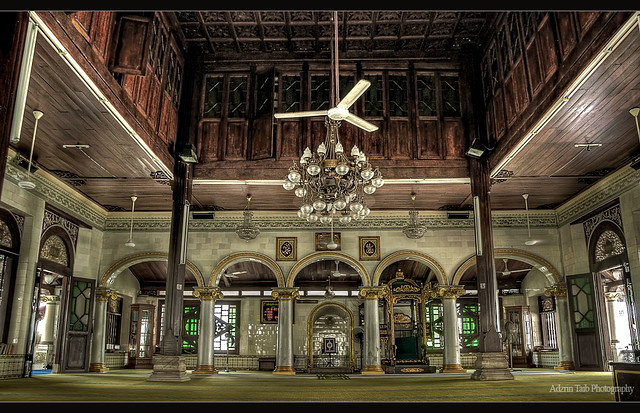
:: Tengkera Mosque ::

This is an interior of historical mosque in Malacca. I shot this with 3 different exposure and combined it in photomatic then do a fine adjustment in photoshop.


- Adzrin Taib | photographer -

Ahad, 1 Mei 2011

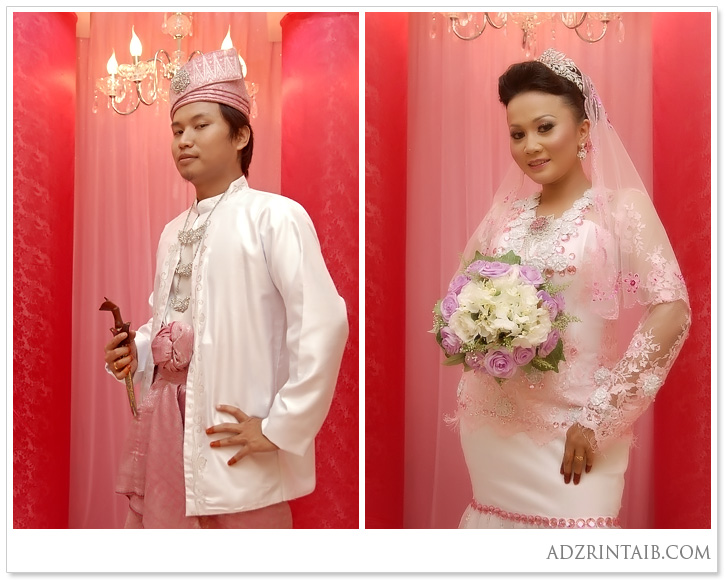
+ Ajami & Nurul I +

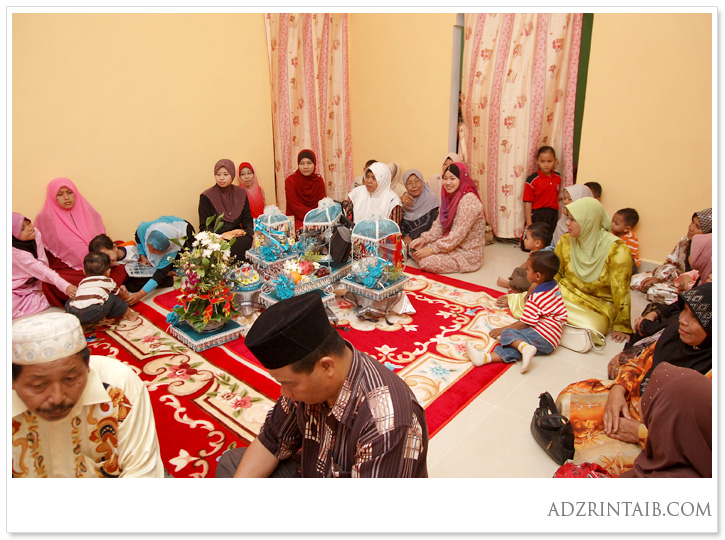
Majlis Akad Nikah & Resepsi di rumah pengantin perempuan...


more pic please click HERE

Adzrin Taib | photographer | editor | 012-788 9894 | info@adzrintaib.com | en.rinz@gmail.com


Malaysia Cheap Web Hosting